





How long does your fleet structure stay accurate inside your print fleet management tool? A new customer site. Fifteen machines renewed. A contract whose scope changes. And the view you built on your customer fleet, accurate three months ago, has to be rebuilt by hand. Unless the tool does it for you.
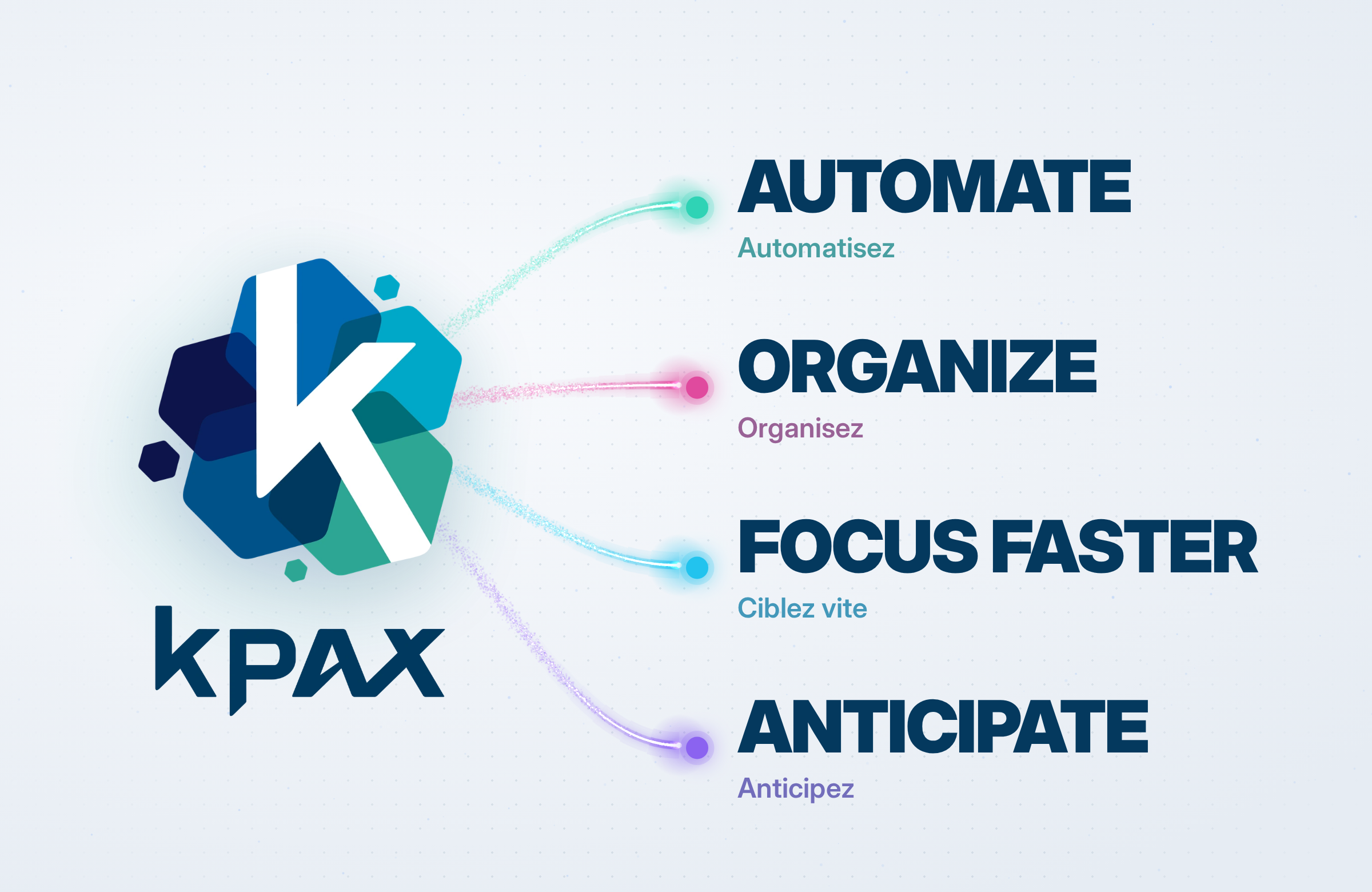
Four KPAX features, the most recent of which arrived with version 3.20, share one goal: taking over what you used to redo by hand every time the fleet moved. Organize your fleet. Find a complex search again. Classify every machine against your criteria. Anticipate an end of cartridge from the moment the machine is deployed.
The four features at a glance
- Dynamic groups. You group your devices against your own criteria, and the groups keep themselves current as the fleet evolves.
- Labels. Up to 20 labels per machine, to organize a fleet the way each customer thinks rather than the way the tool does.
- Saved and shared filters. You build a complex search once, you name it, and you share it with your team.
- Earlier prediction. An end of cartridge can be predicted from the second reading of the first cycle, without waiting for a full consumption cycle.
Dynamic groups: what is a group that keeps itself current?
A dynamic group is a group defined by a filter rather than by a list: KPAX moves devices in and out on its own, as the fleet evolves. You describe what belongs in it – a site, a floor, a manufacturer, a device type – and that is all.
Two forms to choose from: organizational, to mirror a folder structure (sites, departments and so on), or filtered, on technical criteria (a manufacturer, a set of models and so on). Both can be nested, which changes everything once you manage more than a hundred machines.
And none of this forces you to touch your existing installation. No collection agent to move – the collector installed at your customer site, what the industry calls a DCA – and no accounts to reorganize. Both operations are expensive: the first requires an on-site visit, the second calls existing access rights into question. Here, neither. Your technical structure stays exactly as it is, and you simply lay your business logic on top of it.
Once the group is defined, you find it everywhere in KPAX – everywhere you used to work device by device:
- A focused view. Select a group: dashboards, statistics, consumables and exports narrow to its devices. You analyze a site, a customer or a product line without rebuilding the filter every time.
- Controlled delegated access. Give a user access to a single group, exactly as you would on an account: they see only the devices that concern them. And because the group maintains itself, that scope stays correct as the fleet evolves, with nobody going back over it.
- Rules at the right scope. Apply notifications and reports to a group rather than to the whole fleet: the right machines raise alerts, the others stay quiet. Your teams get fewer alerts, and the ones that arrive are worth reading.
Saved and shared filters: how do you stop rebuilding the same search in KPAX?
Anyone who has built the filter “color MFPs above 15,000 pages a month, under contract, with a toner alert in the last 30 days” knows the feeling of closing the tab and losing all of it.
In KPAX, that search is built once, named, and reapplied in one click – on your device, agent and account lists. The filter stops being an operation to redo: it becomes an object, with a name, that you find again and that you share.
- Share them. Keep a filter to yourself, share it with your team, or make it public for the whole organization. That is how a best practice stops living in one person head.
- Find them again. Mark your most-used filters as favorites for instant access.
- Stay in control. Administrators decide who can create, share and edit filters.
Labels: how do you classify devices the way each customer thinks?
One customer thinks in cost centers. The next one thinks by floor. The third one only speaks in contract references. And your platform offers you one folder structure. Just the one.
Labels are free-text tags placed directly on machines: up to 20 per device. Department, site, contract, project, cost center – as many reading angles stacked on the same machine as your business needs, where a rigid hierarchy forces you to pick just one.
- Visible everywhere. Spot labels at a glance in the device list, on each machine record and in your exports.
- Easy to filter. Show the devices carrying a given label in one click – or the ones that carry none yet.
- Built for large fleets. Label hundreds of machines at once by import, or let KQL – the KPAX query language – apply them automatically, for example when a machine goes into alert.
- Reusable from one customer to the next. Your label sets are defined once and show up across every customer fleet.
Earlier prediction: when can KPAX predict an end of cartridge?
A new machine arrives at your customer site with a partly used cartridge. You have no history on it, no idea when the first toner runs out. Either you ship one as a precaution, or the user runs dry and calls. And until now, that blind spot lasted a full consumption cycle.
With KPAX, the first estimate arrives from the second reading of the first cycle, once the level drops below 40 percent – then it refines over time.
- On every cartridge. For the ones with few readings, a simplified algorithm takes over without degrading prediction quality.
- An engine that learns. The engine does not read a simple toner level: it learns the usage profile of each machine to estimate a date. That machine learning work, at the core of the KPAX AI features, is what keeps it reliable with little history.
- Routes that get planned. Your teams schedule consumable deliveries from the first days, newly installed machines included.
How do you get these features?
KPAX runs on a secure cloud. The features of each new release are therefore available on every KPAX space as soon as they ship. Nothing to install, no action on your side: the new functions appear in your interface, and consumable predictions build from your existing data.
Full release notes for each release are available at any time from the Admin menu in KPAX.
Still on KPAX V2? This is a good moment to consider your migration. These features exist on V3 only, and the gap between the two versions widens with every release.
What arrived with version 3.20
The four features above were introduced or extended with KPAX 3.20. That release also brings:
- Koins API. Koins consumption is accessible through the public API.
- Kleo. Better answer quality and shorter response time for our conversational agent.
- Security. Hardened HTTP headers, secure deletion of sensitive items, support account protection.
- Rule permissions. A user can create and edit rules without being able to delete them.
- Stabilization. Fixes on the public API and MCP, exports, filters, rules and devices.
New to KPAX?
KPAX is a SaaS print fleet monitoring platform, designed for resellers and managed print service providers. It collects data from your multi-brand devices – counters, consumables, alerts, status – through software agents or our Liberty IoT box, and turns it into accurate billing, anticipated maintenance and reporting your customers understand.
It is distributed exclusively through a network of distributors and reseller partners, in more than thirty countries.
Frequently asked questions about KPAX
See what it looks like on your own fleet
Test KPAX on your own devices, with your real machines and your real counters. The request takes two minutes online.
Questions? If you already use KPAX, we answer and support you here.
If you want to know more about the platform, contact us directly.